
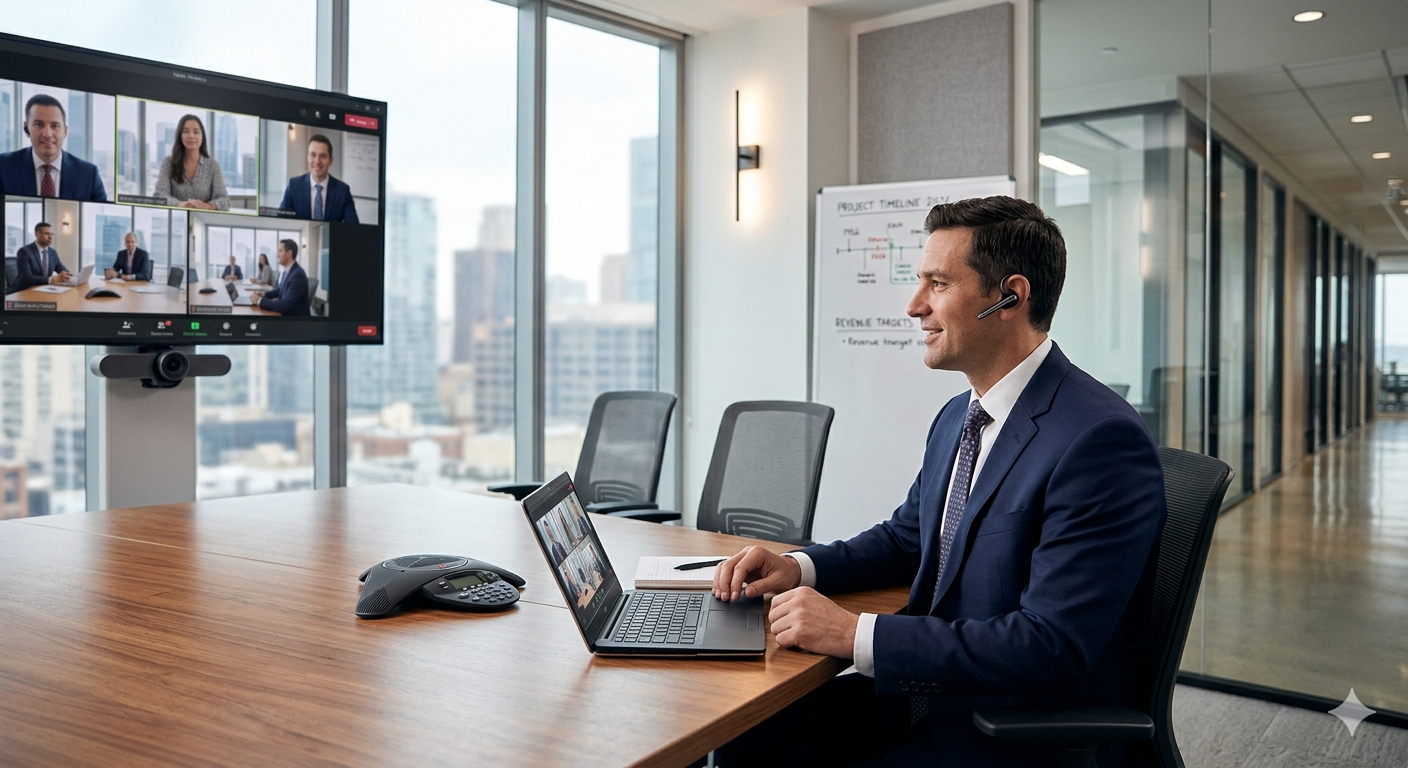
Working With Today’s Video Conferencing How To Be Ready
- Test equipment in advance. Always have a Internet web video option on Standby as a backup incase your main unit connect to there unit.
- Check Mic, Check Camera Pre check Video conference connection
- Have a practice video call to verify the equipment is working the way it will during the live video call.
- Try to have an adgenda for the videoconference call.
- Try to keep everyone involved in the conference call informed on who will be present during the video call.
- Try to set objectives regarding what will be accomplished in the video call.
- Try to dress appropriate for the video call. Avoid wearing stripes or complicated patterns on your clothes. This will interfere with the cameras focus. Also avoid tight patterns on your cloths.
- Try to avoid wearing Jewelry that dangles from your ear or your neck line. This Jewelry can cause interfearence with the microphones.
- Try to keep your hands well manicured because they will be seened in the video call
- If there will be allot of light in the room possibly wear some makeup to cut down on the glear from your face and skin. A base powder should help solve the issue.
- Try to Begin on time.
- Introduce everyone on the video call or phone.
- Speak clearly and towards the mic.
- Make eye contact with the monitor not the camera to avoid looking up and aluff.
- Make eye contact with other participants in your room.
- Use names to direct questions to specific people.
- Don’t speak over people or interrupt.
- Don’t focus the camera too close to your face.
- Try not to pan or tilt the camera too much during the call.
- Avoid making excessive background noise, like rustling papers.
- Avoid moving the mic around
- Turn off beepers, watch alarms and cell phones.
- Don’t leave the room wile the camera is on unless absolutely necessary.



0 Comments